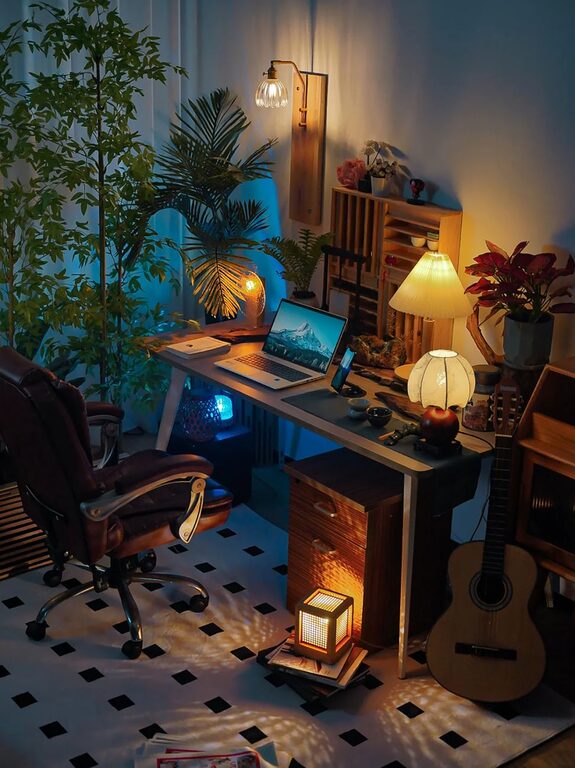
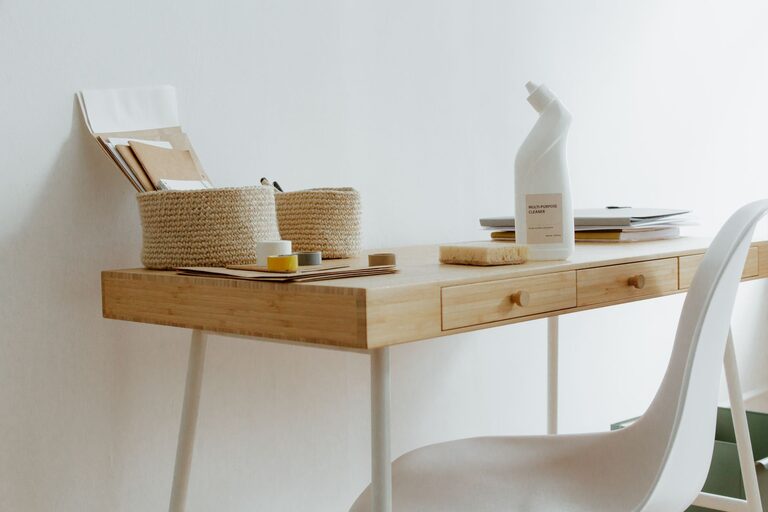
Creating an efficient and clutter-free home workspace is essential for staying productive and comfortable throughout your workday. Whether you’re working remotely full-time, studying, or managing personal projects, a well-organized environment can help reduce stress and improve focus. In this post, we’ll explore practical tips to help you design a workspace that supports your goals and keeps clutter at bay.
Why a Clutter-Free Workspace Matters
A messy workspace can be distracting, cause unnecessary stress, and make it harder to find important items when you need them. On the other hand, a tidy and organized setup encourages efficiency and creativity. It also creates a pleasant atmosphere that makes work feel less like a chore.
Step 1: Choose the Right Location
Before organizing your workspace, pick a spot that suits your working habits.
– Quiet and Private: Select a low-traffic area to minimize interruptions.
– Good Lighting: Natural light is ideal, but you can also add adjustable desk lamps to reduce eye strain.
– Comfortable Space: Ensure there’s enough room for your desk, chair, and any tools or equipment you regularly use.
Step 2: Declutter Regularly
The first step toward a clutter-free workspace is decluttering. Sort through your items and keep only what you truly need.
– Sort and Purge: Sort items into categories — keep, donate, recycle, or toss.
– Daily Tidy-up: Spend 5 minutes at the end of each day putting things back in their place.
– Limit Desk Items: Keep only essentials on your desk to avoid overcrowding.
Step 3: Organize with Purpose
Having a place for everything helps you stay organized and find what you need quickly.
Desk Organization
– Use Drawer Organizers: Small trays or boxes inside drawers help separate office supplies.
– Keep Cords Tidy: Use cable clips or sleeves to prevent wires from tangling.
– Desktop Storage: Use file holders or small bins for papers and frequently used items.
Storage Solutions
– Shelves and Cabinets: Use vertical space to store books, files, and equipment.
– Labeling: Label boxes, drawers, and folders to know exactly where things belong.
– Multi-functional Furniture: Consider desks with built-in storage to maximize space.
Step 4: Optimize Your Equipment Setup
Your workspace should be designed to support comfort and efficiency.
– Ergonomic Chair: Invest in a chair that supports good posture.
– Proper Desk Height: Adjust your desk or chair height so your arms rest comfortably.
– Monitor Position: Place your monitor at eye level to avoid neck strain.
– Keyboard and Mouse Placement: Keep them close and comfortably within reach.
Step 5: Create a System for Paperwork
Paper can quickly overwhelm your workspace unless you have a system to manage it.
– Go Digital When Possible: Scan and save documents electronically to reduce paper clutter.
– Use Inboxes and Outboxes: Designate trays for incoming and outgoing documents.
– File Regularly: Set aside time weekly to file and discard paperwork.
Step 6: Personalize Mindfully
Adding personal touches can make your workspace inviting, but avoid overdoing it.
– Select Meaningful Items: Choose a few items that inspire or relax you, such as photos or plants.
– Keep It Simple: Avoid too many decorations that take up space or distract.
– Add Greenery: Small plants improve air quality and mood without creating clutter.
Step 7: Maintain Your Workspace
Organization is ongoing. Follow habits to keep your workspace functional.
– Weekly Review: Spend 10-15 minutes reviewing and organizing your area each week.
– Adjust as Needed: If something isn’t working, don’t hesitate to rearrange or try new storage solutions.
– Stay Consistent: Make tidying and organization part of your daily routine.
—
Organizing a clutter-free and efficient home workspace doesn’t have to be overwhelming. By choosing the right location, managing your items thoughtfully, and setting up for comfort, you’ll create a space that motivates productivity and supports your well-being. Start small, stay consistent, and enjoy the benefits of a well-organized work area!
About the Author