Creating a home office that feels both cozy and functional can significantly improve your productivity, focus, and overall work experience. Whether you’re working from home full-time or just need a dedicated spot for occasional projects, the right setup can make all the difference. This guide offers practical tips to help you design a workspace that supports your needs while maintaining a warm and inviting atmosphere.
Choose the Right Location
Consider Natural Light
Selecting a spot near a window can brighten your workspace and boost your mood throughout the day. Natural light reduces eye strain and helps regulate your body’s internal clock, improving alertness and energy levels.
Minimize Distractions
Try to find a quiet corner or room where interruptions are minimal, especially if you have family members or roommates. If space is limited, consider noise-cancelling headphones or soundproofing options to keep your focus sharp.
Invest in Comfortable Furniture
Ergonomic Chair
A supportive chair designed for long hours of sitting is essential. Look for adjustable height, lumbar support, and sufficient cushioning to prevent back pain and promote good posture.
Desk Choice
Choose a desk that fits your workflow. It should provide enough surface area for your computer, paperwork, and any other tools you need regularly. Standing desks or adjustable desks can add flexibility to your routine.
Organize with Purpose
Declutter Regularly
A tidy workspace reduces stress and distractions. Keep only essentials on your desk and store the rest in drawers, shelves, or organizers.
Use Storage Solutions
Bins, shelves, file organizers, and drawer dividers help keep your office supplies in order. Label containers to find items quickly and maintain consistency.
Personalize Your Space
Add Comforting Elements
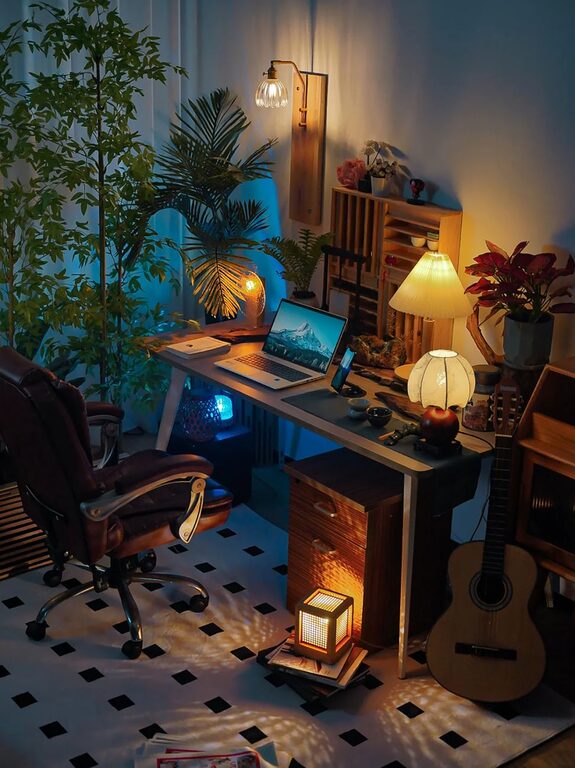
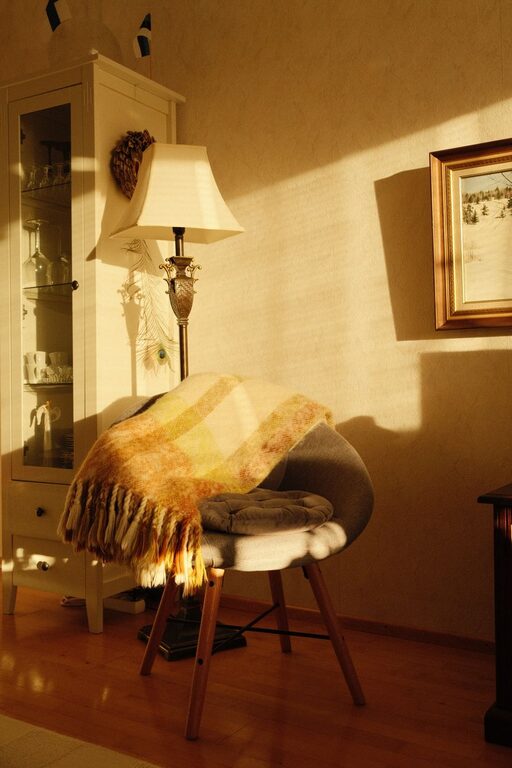
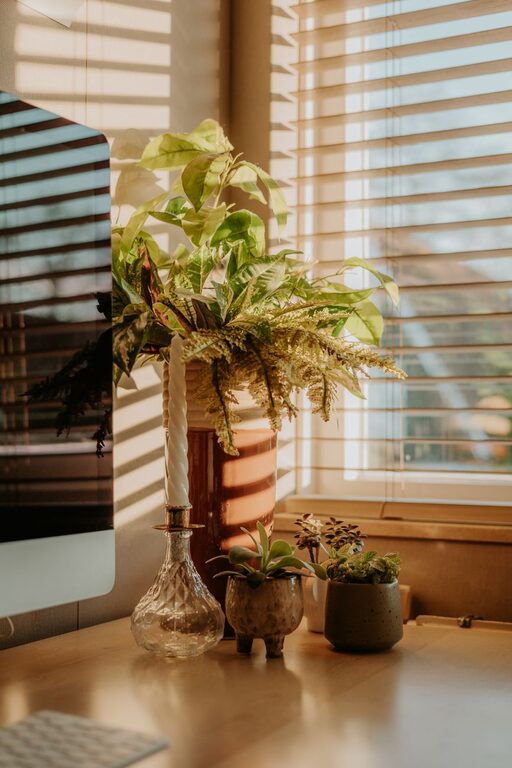
Incorporate soft textiles like a cozy throw blanket or a cushioned seat pad. Plants not only improve air quality but also add a touch of nature and calm.
Display Inspiring Items
Photos, artwork, or motivational quotes can make your workspace feel more personal and encouraging.
Optimize Lighting
Layer Your Lighting
Combine natural light with task lighting such as a desk lamp and ambient lighting for evenings. Adjustable lamps with warm light tones help reduce eye strain.
Avoid Glare
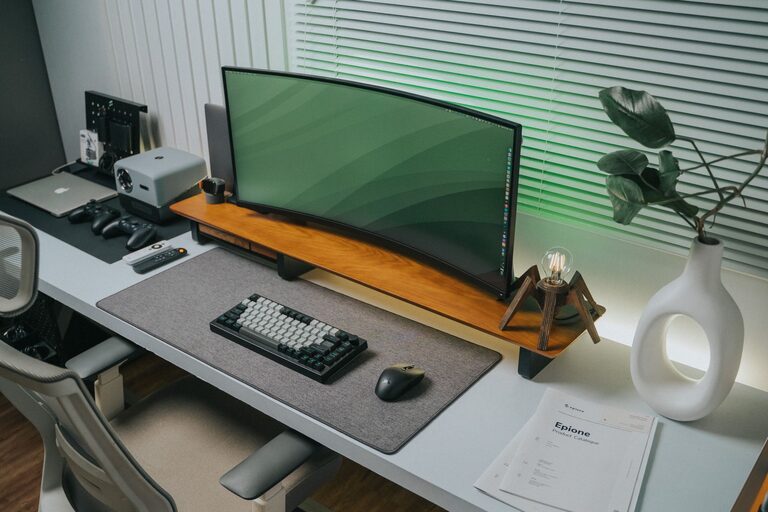
Position your monitor to avoid reflections from windows or ceiling lights to prevent discomfort during screen time.
Manage Technology Efficiently
Cable Management
Use cable clips, sleeves, or under-desk trays to keep cords organized and out of the way. A clean desk surface helps maintain focus.
Essential Tech Tools
Invest in a good quality monitor, keyboard, and mouse that enhance comfort and efficiency. Consider a docking station if you use multiple devices.
Incorporate Break and Movement Areas
Create a Mini Relaxation Spot
If possible, add a comfortable chair or cushion where you can take short breaks away from your desk. This change of scenery can refresh your mind.
Encourage Movement
Set reminders to stand, stretch, or walk periodically. Some prefer standing desks or balance boards to reduce sedentary time.
Maintain a Consistent Routine
Define Work Hours
Establishing clear start and end times helps separate work from leisure, especially when working remotely.
Keep Your Space Ready
Set aside time at the end of each day to tidy your office so it’s welcoming the next morning.
—
By paying attention to comfort, functionality, and personal touches, your home office can become a space where you enjoy working and stay productive. Implement these tips step-by-step to create a workspace that supports your professional goals and nurtures your well-being.
About the Author